Serverless grids
There is a new diva distribution available. It is packaged out of the bleeding edge OpenSim, revision 11056. If you have the previous release installed, you can simply run Update.exe.
In the past 2 weeks there has been a lot of plumbing in OpenSim, and things have improved considerably. First and foremost, we have identified and eliminated a memory leak that was causing OpenSim to use all memory over time, and eventually crash. Now OpenSim runs on much more reasonable memory footprint, and stays within that limit [for much longer].
Second, we have rewritten the grid service from scratch. The grid service is the part of OpenSim that manages region registration and lookup. All OpenSim installations have a grid service, even if they are standalones. In fact this distinction between standalone and “grid mode” is becoming fuzzier and fuzzier. So much so that it is now possible to have grids by stitching together standalone installations of OpenSim — without having to run any other servers!
Here are the instructions for how to do it with the diva distro. Instructions on how to do it with stock OpenSim can be found elsewhere.
Instructions for setting up a serverless grid with the Diva distro:
1 - If you want the second instance on the same machine, copy the entire folder of your diva distro into another folder on that machine. If you want the second instance on another machine, copy it to that other machine. Leave the original unchanged. In the copy (or copies), do the following steps.
2 - Edit Regions/RegionConfig.ini, and change the following fields for each region: (a) the name; (b) the RegionUUID; (c) the Location; and eventually (d) the InternalPort. For example, in my case my first region in my original instance is:
[Diva’s World 1]
RegionUUID = “9ca5b0b5-0b1e-47b7-ac30-7e0230152de0″
Location = “6178,3371″
InternalPort = 9000
In the copy on the same machine I have:
[Diva’s World 5]
RegionUUID = “854a1e57-95f2-42f9-b3c7-2488e0e0bd92″
Location = “6176,3371″
InternalPort = 9004
A couple of important notes:
* Please use truly random UUIDs. Here is a site that generates them for you: http://www.guidgenerator.com/.
* In my case I wanted to place the new 2×2 megaregion to the West of my original megaregion. Hence the coordinates 6176,3371 on the first region of the copy — the X coordinate is 2 to the left, the Y coordinate is the same.
* Megaregions need to be specified like what they are in that file: the first region is the SW corner, the second is the NW corner, the third is the SE corner and the fourth is the NE corner. Make sure you preserve this order when you make the changes in their coordinates.
* The InternalPorts must be unique for each region, on each machine. In my case, my second instance is on the same machine, so I had to change it. If your second instance in on another machine you can use the same InternalPort numbers of the original megaregion.
Do the necessary changes for the other three regions on that file.
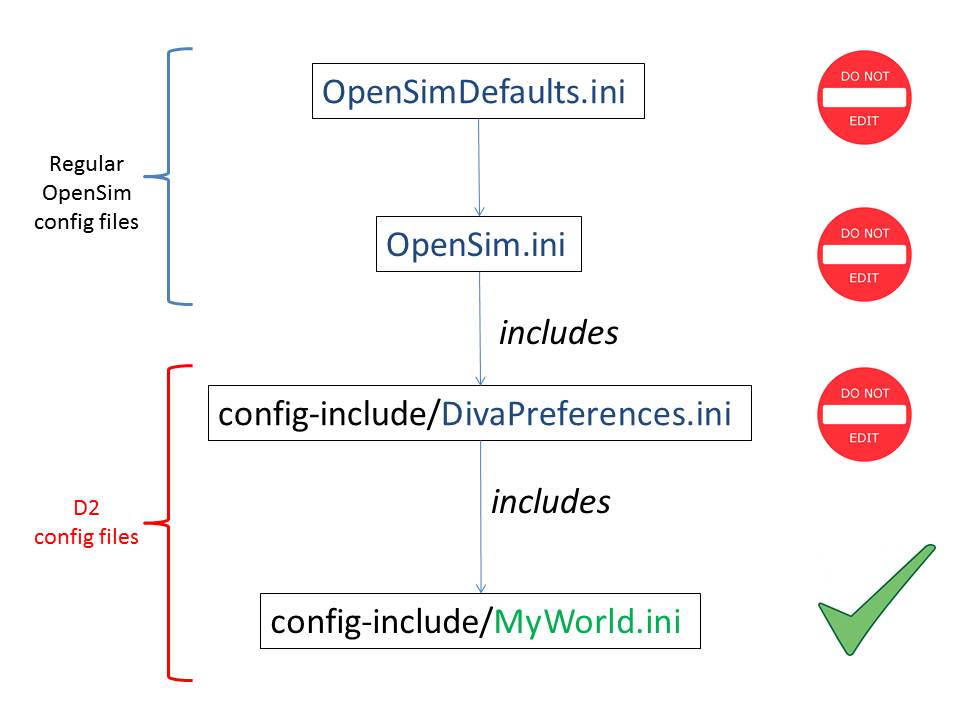
3 - Edit config-include/MyWorld.ini. The only thing you need to change here, if at all, is in the [Network] section, the http_listener_port. If your second instance is on the same machine, you must change this port — for example 9001; this port needs to be unique per instance, per machine. If your second instance is on another machine, you can leave it as is. In any case, leave the server urls as they are for the original instance.
Et voila!
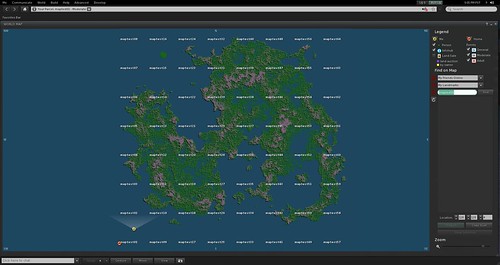
Login as usual. You will notice that the SW corner of your original instance now has neighbours to the left. In principle, you can cross back and forth, and teleport between regions as normal. In practice, crossing between instances with megaregions is still under heavy work and may produce surprising behaviour. For example, crossing from the original SW corner to the copy SE corner may end up being an auto-teleport, or you may get stuck in limbo, etc. Don’t be alarmed, this is “normal” behaviour for the time being, and these quirks will be fixed in future releases. For the time being,whenever you want to switch instances I recommend teleporting between SW corners of the different instances — that works pretty reliably.